
Let your riders be the DJ.
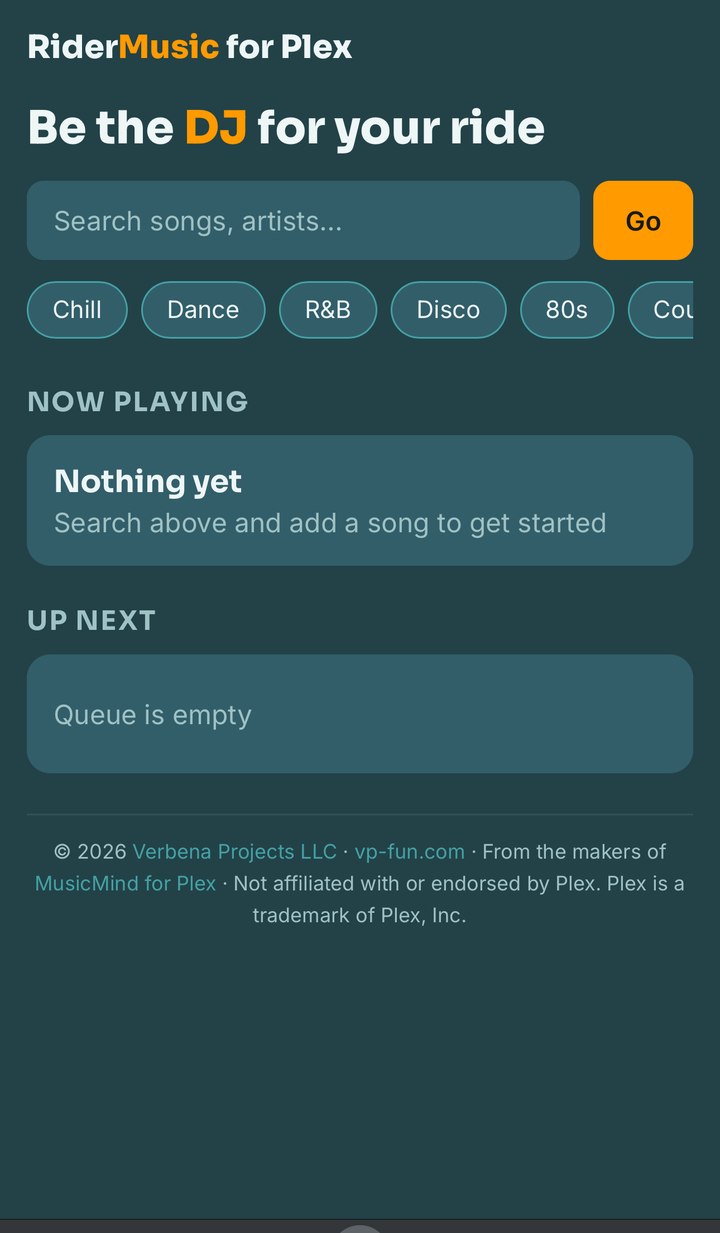
A passenger scans a QR code, searches your Plex library, and queues songs — no app install, no Plex account, no login. Your own phone plays the music through the car stereo. Theirs is just the remote.
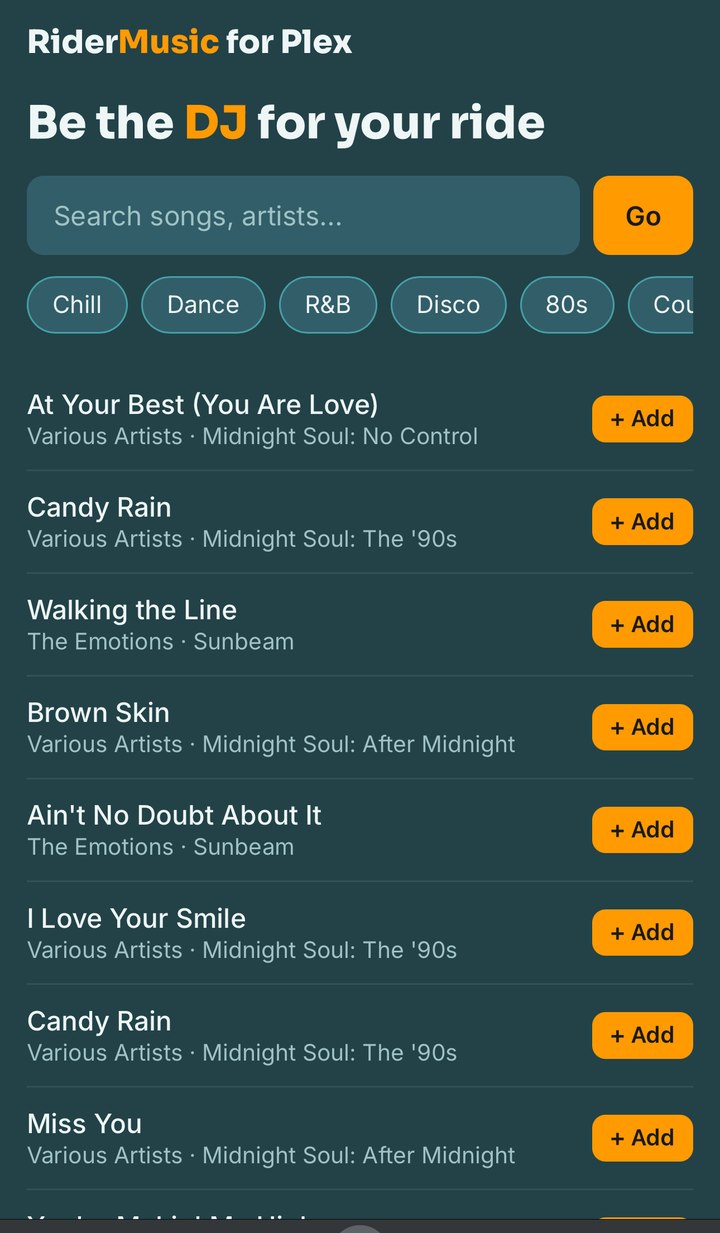
One phone plays. Every phone controls.
Guests never touch your Plex token or your audio output directly — every request passes through your own RiderMusic Jukebox for Plex backend, which is the only thing that talks to Plex.
Scans & queues
Search, browse mood buckets, add tracks to the queue — no install, no login.
Holds the state
Runs on your own home server. Holds the real Plex token — no one else ever sees it.
Plays the audio
Streams straight from Plex Media Server. No Plexamp, no dedicated hardware.
Just works
Paired over Bluetooth or aux, same as any other audio app on your phone.
Search, browse moods, queue a song
Guests get literal artist and title search plus mood buckets — Chill, Dance, R&B, Disco, 80s, Country — matched against the real genre tags already in your library, not a fixed keyword list. Search always hits Plex live, so what they see is exactly what's actually in your collection right now.
They can play, pause, skip, and nudge the volume — clamped to whatever ceiling you set as the driver.
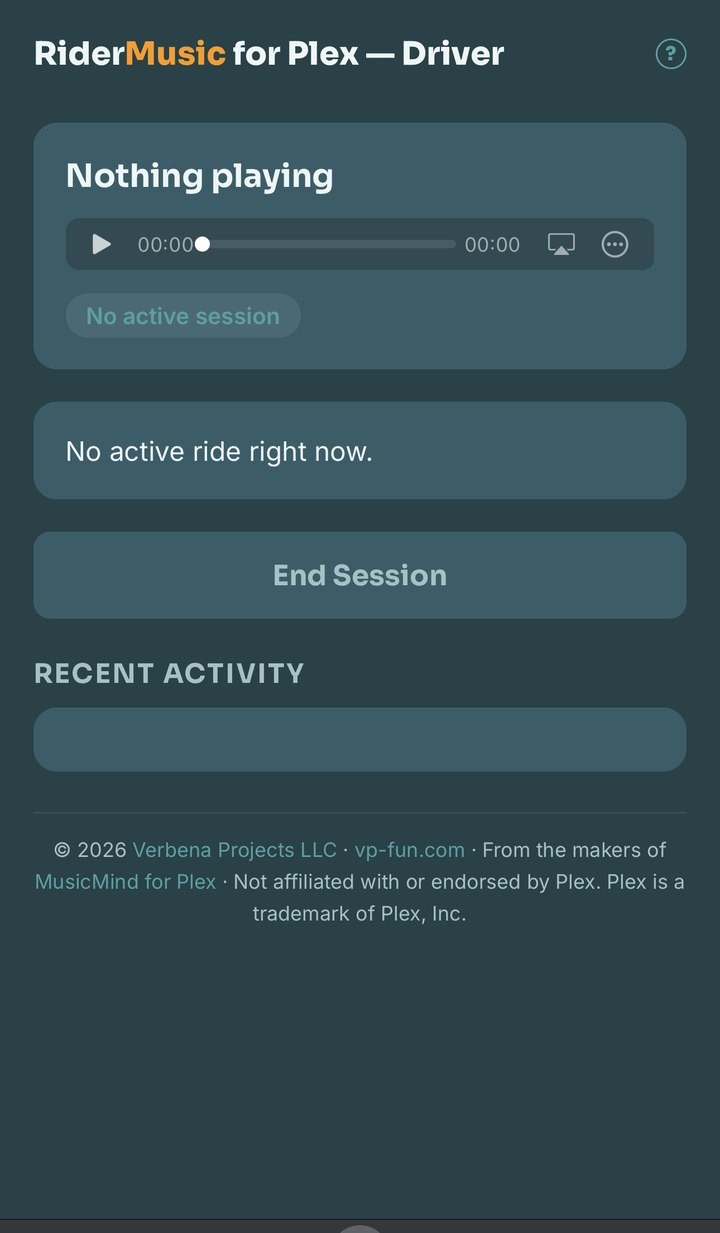
One dashboard: player, status, End Session
The same page you drive with is your player — pair it to the car stereo like any other audio app, then leave it open. It shows session status, how many devices have joined, and the recent activity log, with a single End Session button for early dropoffs.
Everything else is passive: a session starts on first scan and expires automatically. You don't have to do anything for a normal ride.
The dashboard also generates a print-ready dashboard sign with your real QR code already on it — no separate tool, no typing your own URL in. Print it once, tape it up, done.
What your passengers can do — and what they can't
Search & browse
Artist, title, and mood-bucket search against your live Plex library.
Queue tracks
Add songs or playlists to the up-next queue, capped per session.
Transport controls
Play, pause, and skip — rate-limited so no one can skip-spam the driver.
Volume, clamped
Guests can turn it up or down, never past a ceiling you set.
Shares the session
A second phone scanning mid-ride joins the same session instead of starting a fight over the aux.
Expires on its own
Sessions time out automatically — you only act to end one early.
No token exposure
Guests never see your Plex credentials or reach unrestricted API access.
Printable QR sign
Generated from your dashboard with your real QR code built in — tape it up and it just works.
Why RiderMusic Jukebox for Plex doesn't remote-control Plexamp
The obvious design is to let RiderMusic Jukebox for Plex remote-control a Plexamp instance already running on your phone. We tried that first, and tested it directly against real hardware rather than assuming it would work.
Off home Wi-Fi, Plexamp's remote-control protocol stops advertising
a real address — even with Tailscale bridging the phone back onto
the home network. A local companion process talking to Plexamp over
localhost hit the same wall: its control server simply
stops listening once Wi-Fi drops. That's expected Plex behavior, not
a bug — Plexamp only allows remote control on the same local
network as the controller.
So RiderMusic Jukebox for Plex became its own player
Instead of remote-controlling someone else's app, the driver's phone runs a RiderMusic Jukebox for Plex page that streams tracks directly from Plex Media Server's own streaming API — the same mechanism the official Plex apps use. No Plexamp, no dedicated in-car box, no spare phone wired into the dash. Just the phone you already have.
What it doesn't do yet
Worth knowing before you print a QR code and hand it to a stranger.
- Search is only as good as your tags. RiderMusic Jukebox for Plex layers literal matches on top of Plex's own fuzzy search, and mood buckets match real genre tags — a library with thin genre data gets thin results.
- Live library, not cached. Guests always see your current library, with no sync step — but that means a driver in a genuine dead zone for an extended stretch can eventually exhaust the pre-fetched buffer.
- Single shared admin password. No per-user accounts yet.
Run it on your own Plex server
All you need is a Plex Media Server with a music library and a way to reach your backend from outside your home network — a Cloudflare Tunnel or reverse proxy works fine.
Docker (recommended)
# clone and configure
git clone https://github.com/earthmonkey419/ridermusic.git
cd ridermusic
cp config.example.py config.py
# edit config.py: PLEX_URL, PLEX_TOKEN, MUSIC_LIB, ADMIN_PASSWORD

# build and run
docker build -t ridermusic .
docker run -d --name ridermusic -p 6869:6869 \
  -v $(pwd)/config.py:/app/config.py:ro \
  ridermusic
Print a QR code. Hand over the mic.
Free, open source, and it runs on hardware you already own.
Get RiderMusic Jukebox on GitHub